|
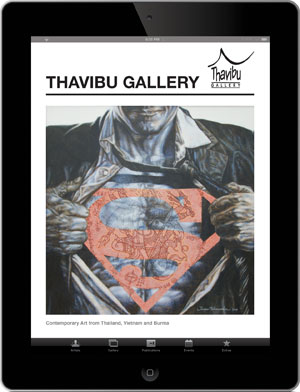
Download optimized image of your favourite painting directly to your iPhone
and set it as wallpaper!
Go to
www.thavibu.com/iphone with your iPhone.
1)
Click on one of the small thumbnail photos to the
right, and you will be taken to another page with a
larger photo. To download one of the large
images
directly to you iPhone, just hold your finger firmly on the
image in iPhone's browser for a longer time than usual, a
pop-up dialog will appear (be patient!) which gives you
options as Save Image or Cancel. Tapping Save Image will save the image in your
photo/camera roll folder.
2) To save the
downloaded image as wallpaper to the front of your iPhone, locate the image in your photo folder.
Usually, it can be found in photos/camera roll.
Click on the photo and then on the left button in
lower left corner. In the pop-up menu, choose
Use As Wallpaper. Then click on Set
Wallpaper in the pop-up menu. Done! When
you turn on the iPhone next time, the image shows up
as wallpaper.
|